
Authorization
To authorize, you need to create a token.
Create API key
In the Design Editor, go to user profile and create a API key, with the relevant scope.
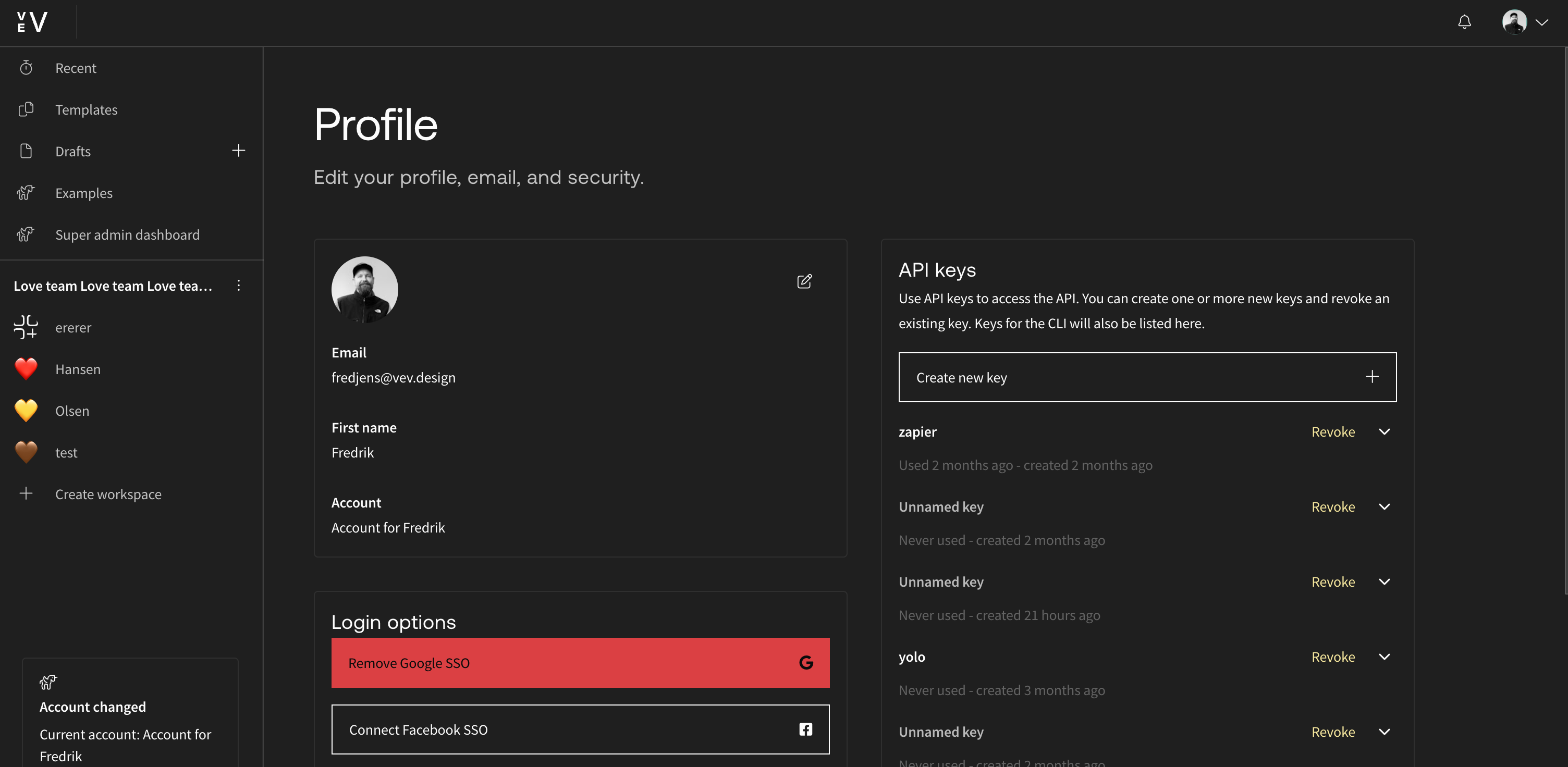
The API key will be valid forever until it is revoked.
A key made in the Design Editor works only against the production API,
https://api.vev.design/v2/. Sent to any other server, it fails with
Failed to validate token.
Authorized request
Test your newly created token:
curl --header "x-vev-key: [your-key]" https://api.vev.design/v2/api-key/introspectionTo make authorized requests, you need to add the x-vev-key header to every request.